
Working with Subspaces
A Subspace is the focused workspace where one Lore element becomes concrete and production-ready. Lore defines meaning and relationships; the Subspace develops the selected element in detail.
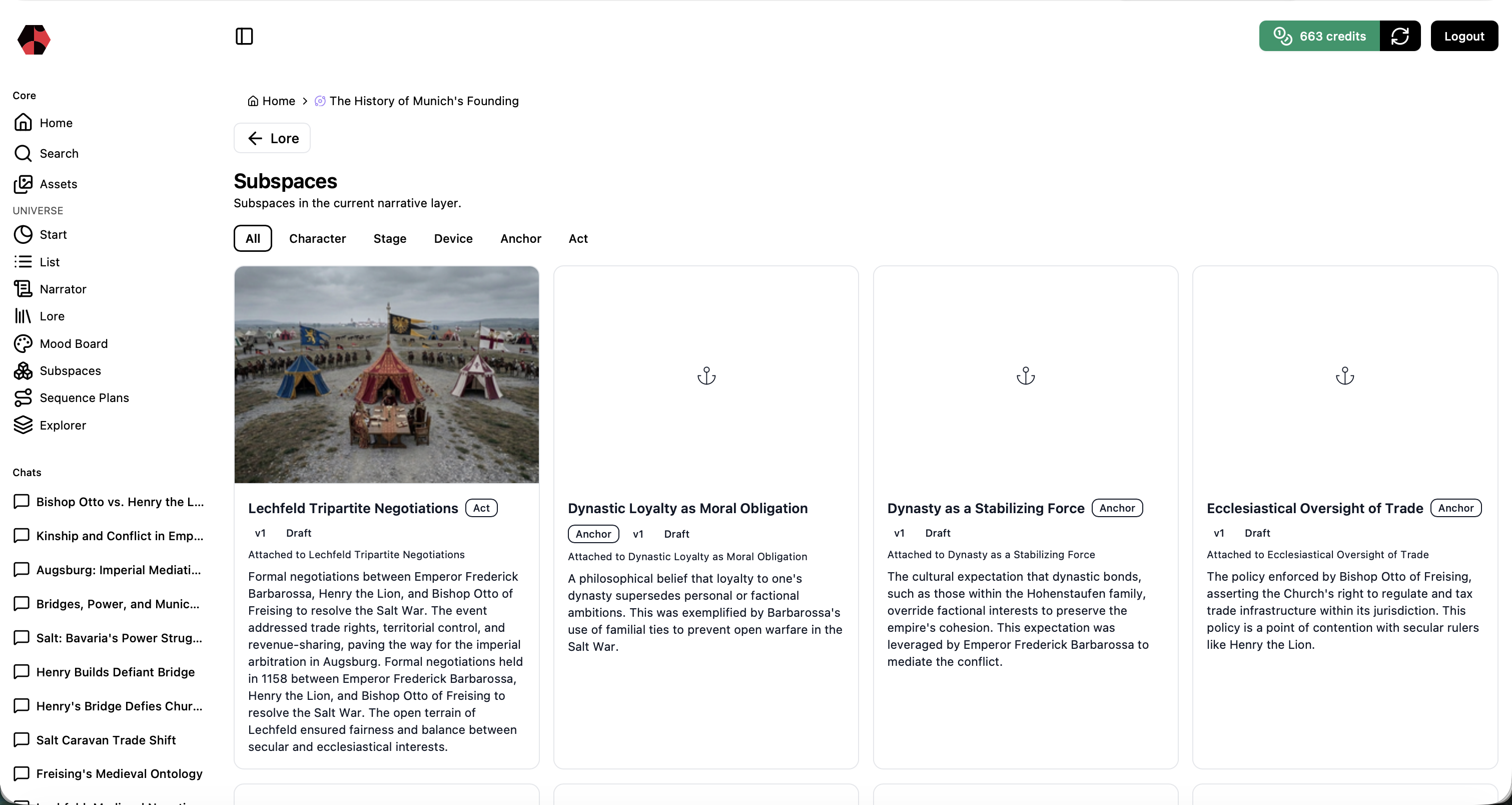
Choose the right output
| Lore element | Work in the Subspace |
|---|---|
| Person | Develop a Character |
| Object | Develop a Device |
| Location | Develop a Stage |
| Event or Chapter | Create an Act and Sequence Plan |
| Concept | Create an Anchor for later production use |
One Lore element can have several Subspaces. Use that flexibility for character ages, alternate versions, day and night stages, changing weather, or different narrative timelines.
1. Develop and compare visual variants
Create images that make the element easier to use consistently. Compare alternatives before continuing, and reject versions that contain incorrect details.
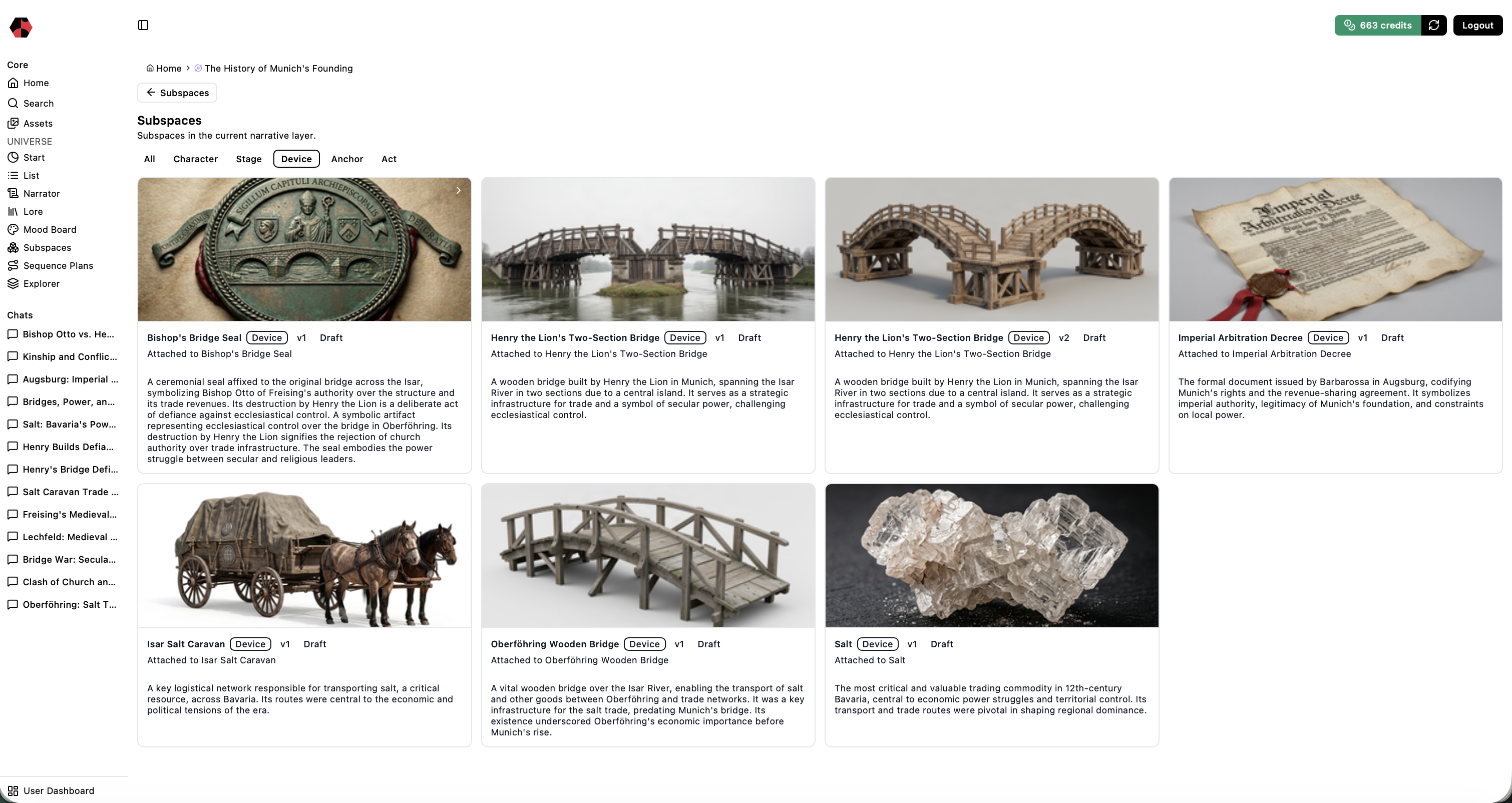
For characters, create a recognizable identity across useful angles, poses, expressions, and clothing states. For stages, develop clear views of the location across the states the story needs.
2. Work with assets
You can generate an image, modify an existing result, blend two selected images, apply a style transfer, or upload an image you are allowed to use.
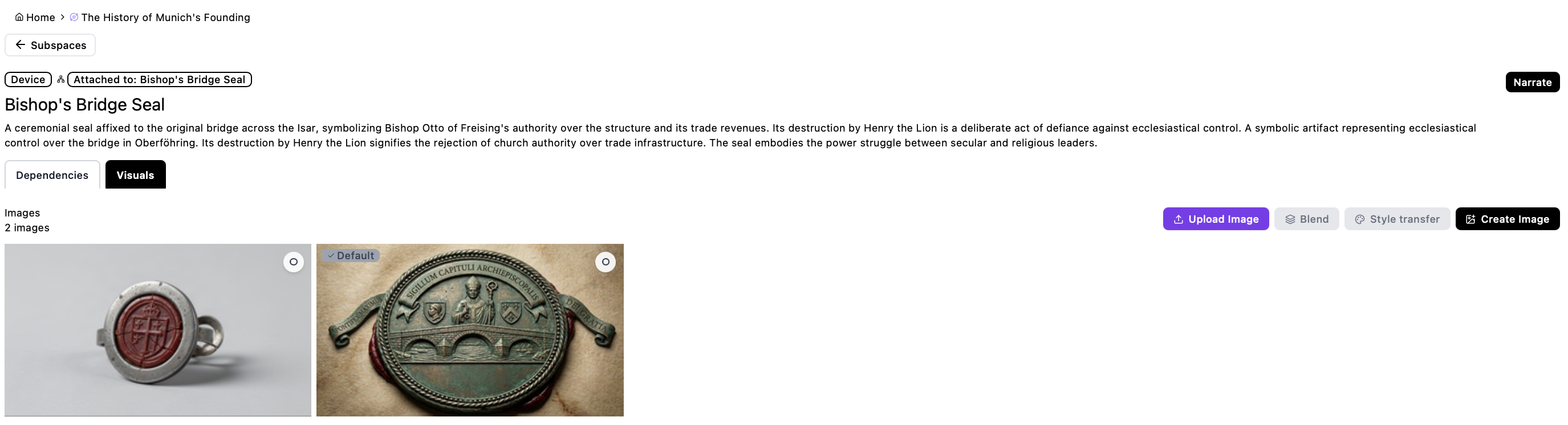
Every change remains part of the asset history. Select the strongest image as the default, then use Define Image Role so it can be referenced correctly in later video production.
3. Attach reusable Elements
Use the Elements tab in a Subspace to find and attach reusable wardrobe, items, vehicles, species, architecture, and other approved Elements. This keeps a character’s clothing, a recurring prop, or a scene-defining vehicle connected to the reusable definition rather than redrawn from an isolated prompt.
For a Character Subspace, wardrobe can be attached as what the character wears. A Species Element can provide the shared traits and behavioral context for an alien character. Review the Element’s current version and specification before attaching it, especially when a later scene depends on a particular state, capability, or visual detail.
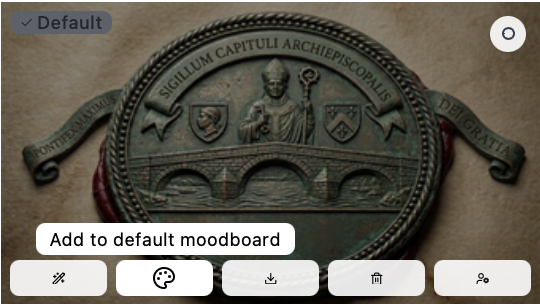
4. Build a focused Mood Board
Add the most useful assets to a Mood Board to support visual consistency and reuse. Include the references that define the element, not every experiment.
5. Move events and chapters toward production
Events and chapters become Acts. An Act can use one or more Characters, Stages, and Anchors, plus optional Devices. Once the Act is defined, Saganode can create a Sequence Plan that bridges narrative structure and video production.
6. Iterate when production reveals a gap
A Subspace is not a one-time setup. Return whenever a storyboard or production step reveals missing detail. Add only what the next step requires and preserve the selected Lore element as the focus.
Next step
Return to Lore to review relationships, or use the Narrator to expand missing context before continuing production.
Ready to start?
Build the next part of your world in Saganode.