
Tutorials
Learn Saganode
by building.
Follow practical, step-by-step guides from the first idea in your universe to connected, production-ready material.
Start with the NarratorCore workflow
From narrative context to production assets.
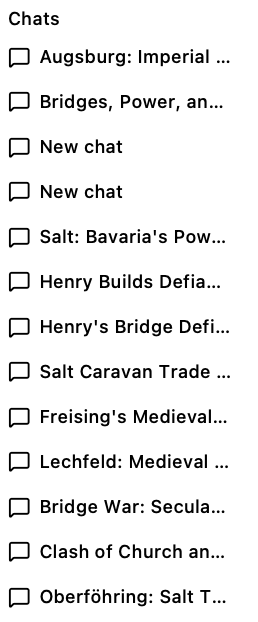
Using the Narrator
Turn prompts into connected facts and recommendations, expand a universe, and keep every decision under your control.
Read tutorial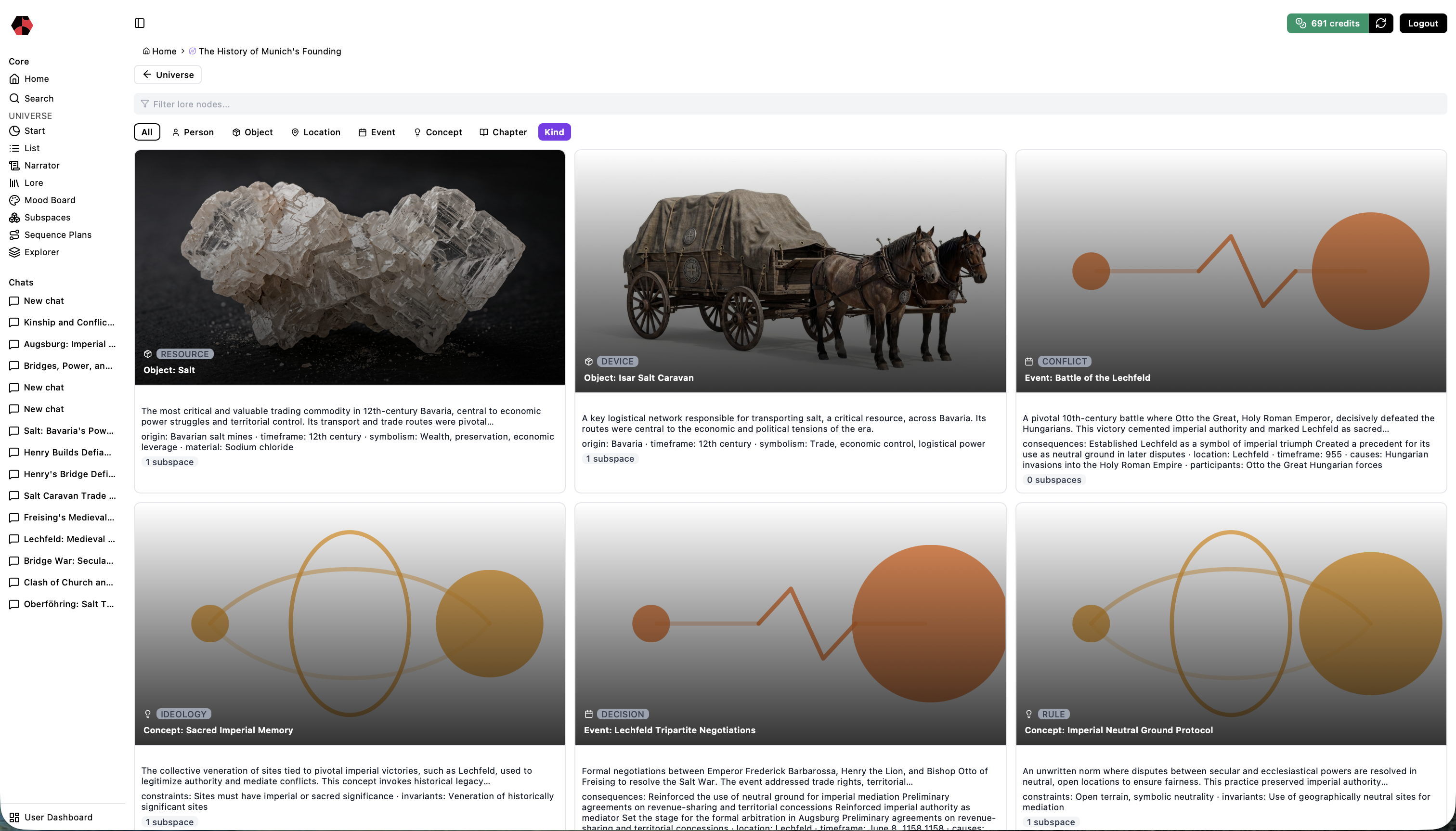
Using Lore
Organize people, places, objects, events, concepts, and chapters into a world that remains coherent as it grows.
Read tutorial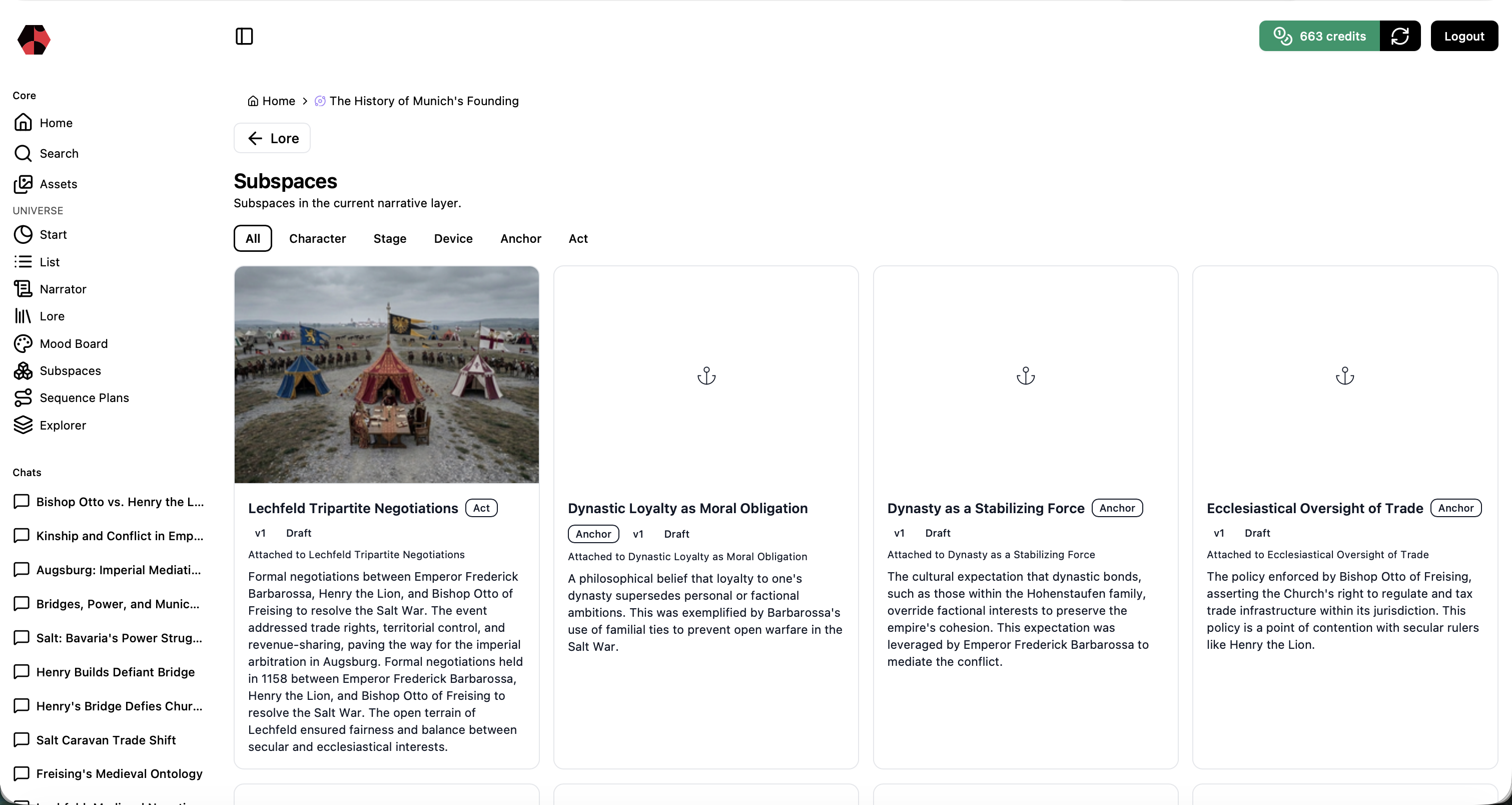
Working with Subspaces
Develop a single Lore element into production-ready characters, stages, devices, anchors, and acts.
Read tutorial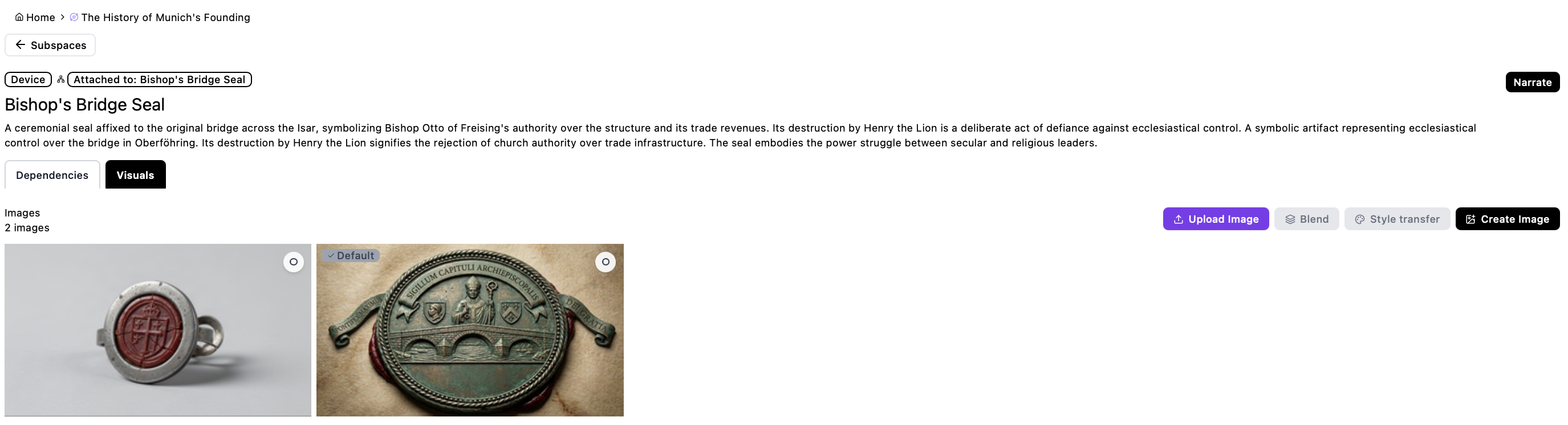
Managing Assets
Find and review images, videos, and ZIP production packages across the selected narrative context.
Read tutorial
Using Search
Trace one subject across connected Lore, Subspaces, and visual assets.
Read tutorial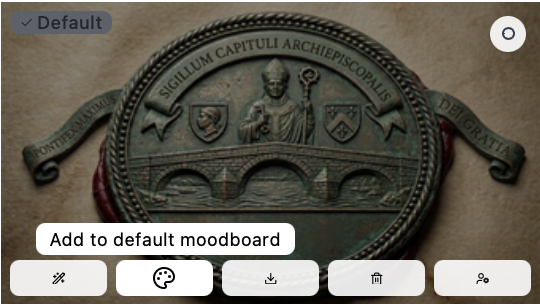
Using the Mood Board
Curate references and style direction before generating the next visual asset.
Read tutorial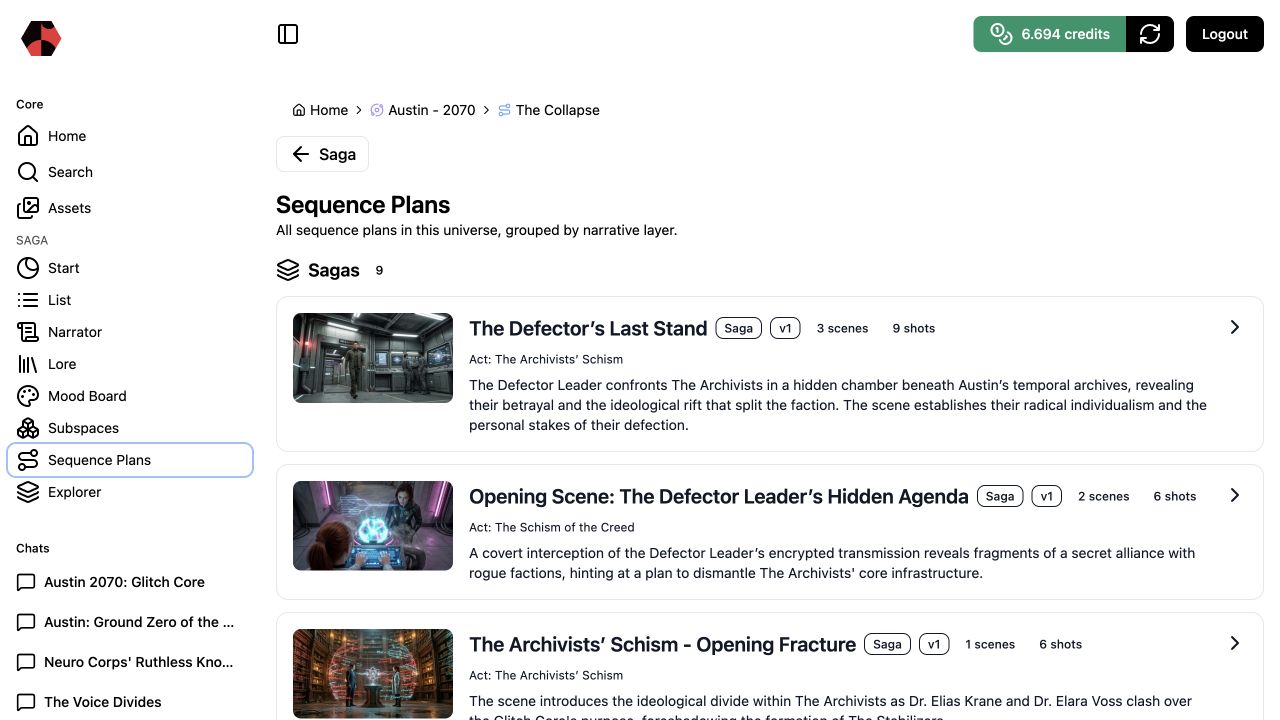
Creating Sequence Plans
Turn an Act into scenes, shots, and a structured production package.
Read tutorial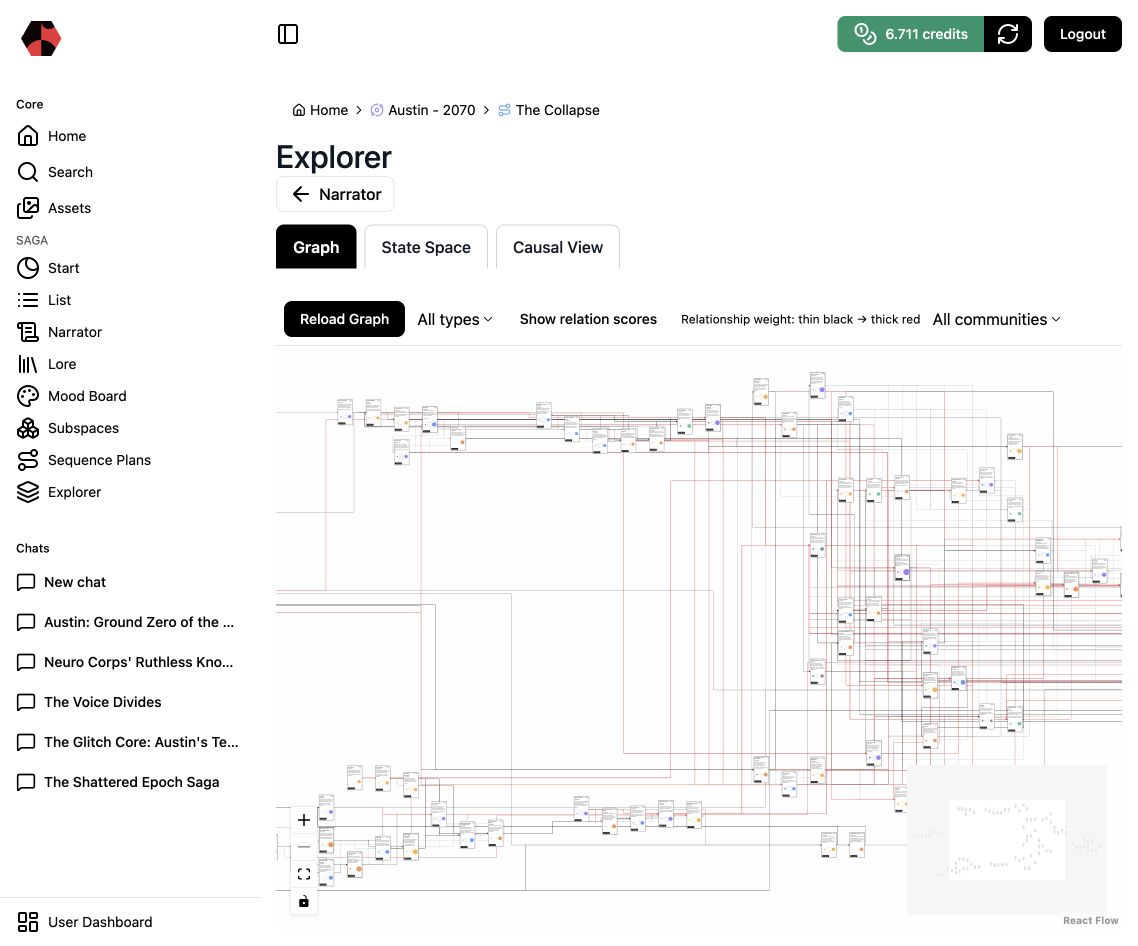
Exploring the Knowledge Graph
Inspect relationships, communities, and structural gaps across the narrative world.
Read tutorial Directing Generated Video
Plan scenes, shots, frames, duration, and format before generating the next sequence.
Read tutorial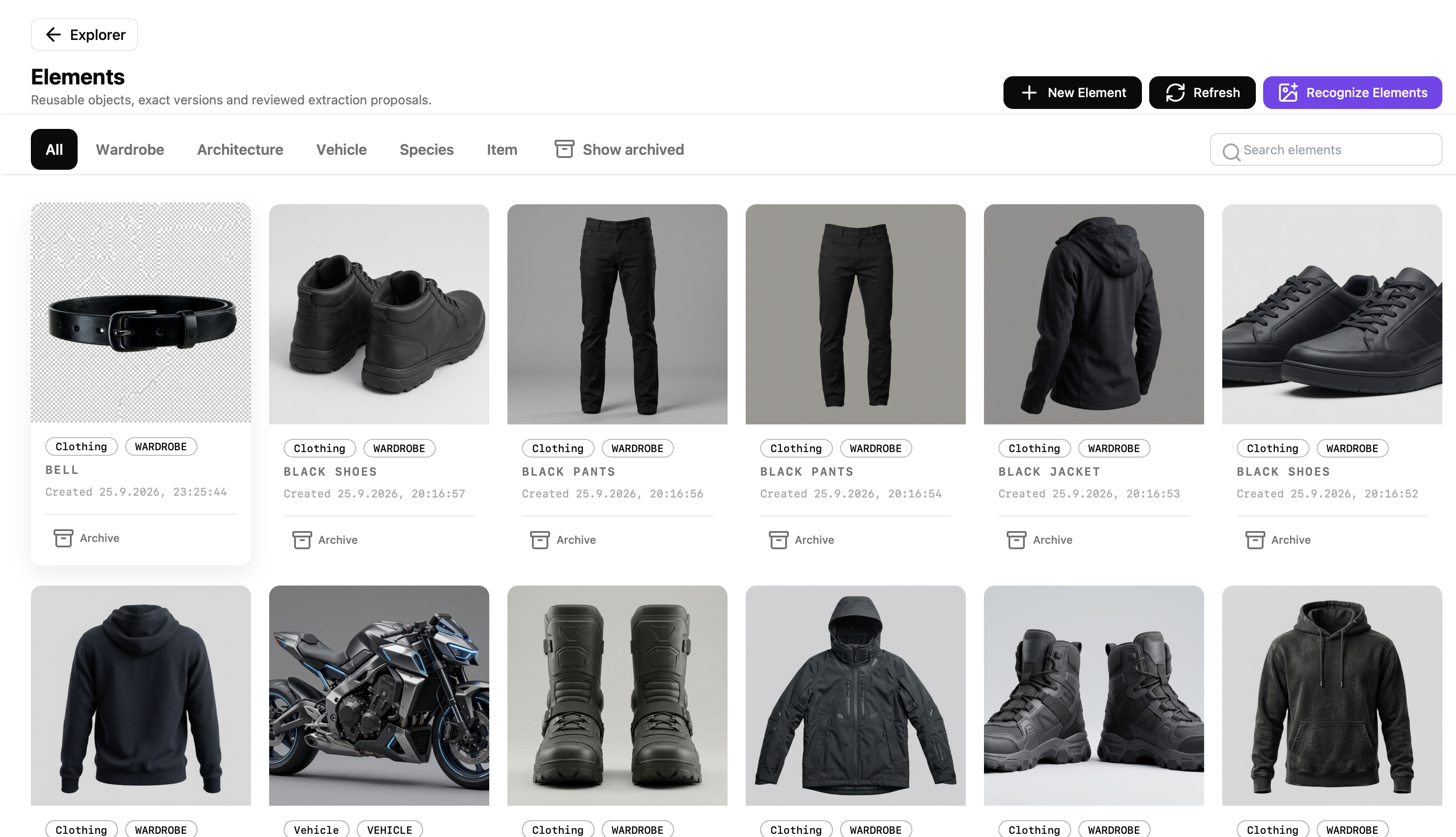
Working with Elements
Derive reusable wardrobe, items, vehicles, species, and architecture from assets, then attach them where they matter.
Read tutorialUnderstand the system behind the workflow.
Explore how Saganode connects worldbuilding, narrative intelligence, and production.